We earn commissions when you shop through the links below.
Contents
Quick answer: Doola is useful if you want an all-in-one setup and do not want to assemble every filing step yourself.
This guide shows the setup flow, the package choices, and the tradeoffs before you start.
💡 Before You Start: Read our Doola review for current pricing and limitations, then use the complete non-US resident LLC guide for state, banking, and tax context.
📋 Pre-Registration Checklist
Before starting the registration process, prepare the following materials to complete everything in one go:
Required Documents
- ✅ Passport or ID (clear color scan or photo)
- ✅ Proof of Address (utility bill, bank statement from the last 3 months)
- ✅ Payment Method (credit or debit card, Visa/Mastercard supported)
Information to Determine
- ✅ Company Name (prepare 2-3 alternatives in case your first choice is unavailable)
- ✅ Registration State (Wyoming recommended - see State Selection Guide)
- ✅ Business Description (1-2 sentences clearly describing your business)
- ✅ Estimated Annual Revenue (rough estimate is fine)
Optional but Recommended
- ✅ Company Website or Social Media (increases approval rate)
- ✅ Brief Business Plan (helps with bank account opening later)
Step 1: Create Doola Account
1.1 Visit Doola Website
👉 Doola
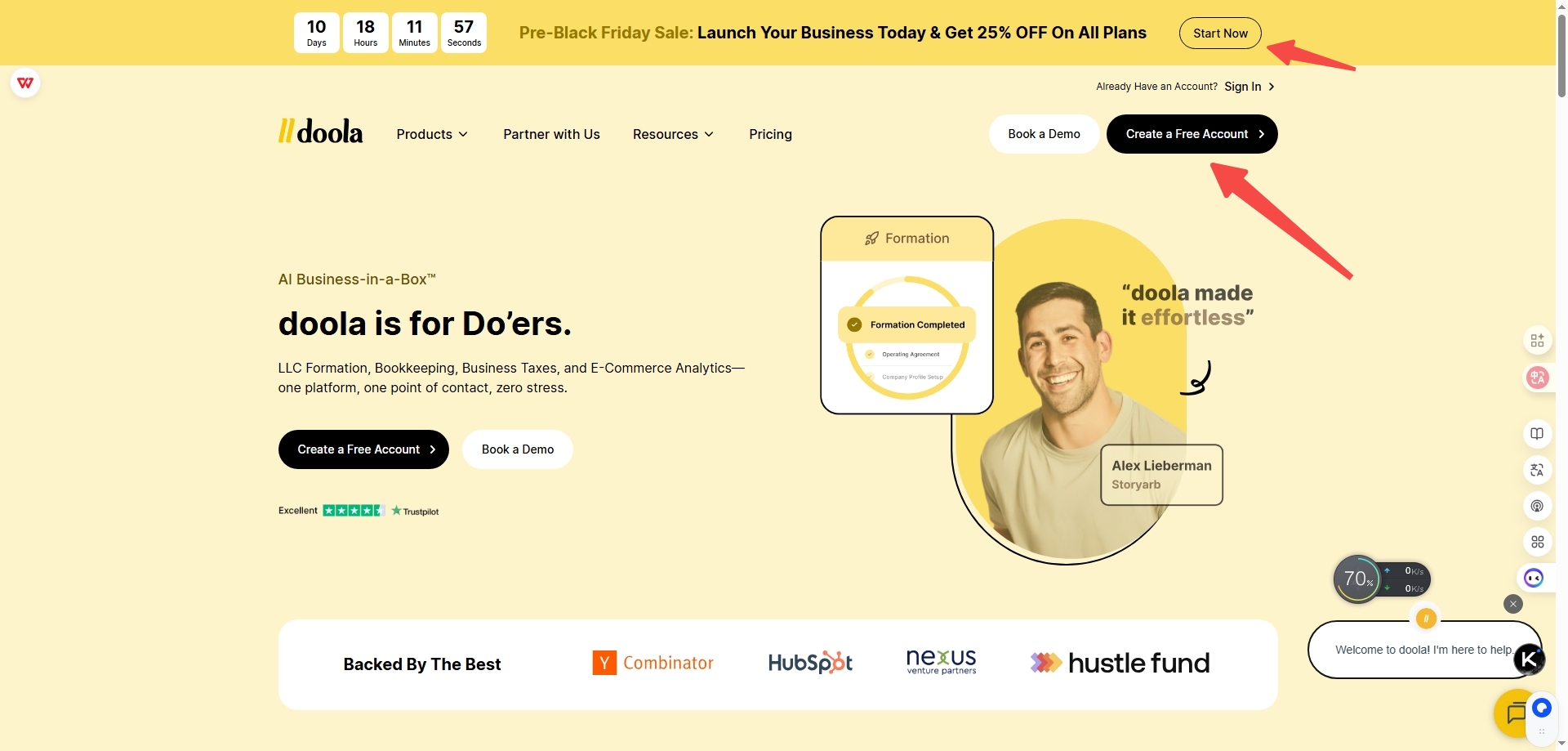
1.2 Click "Get Started" or "Start Your Business"
Find the prominent start button on the homepage and click to enter the registration process.
1.3 Fill in Basic Information
You'll need to provide:
- Email Address (use a frequently checked email for important notifications)
- Password (at least 8 characters with uppercase, lowercase, and numbers)
- Full Name (must match your passport)
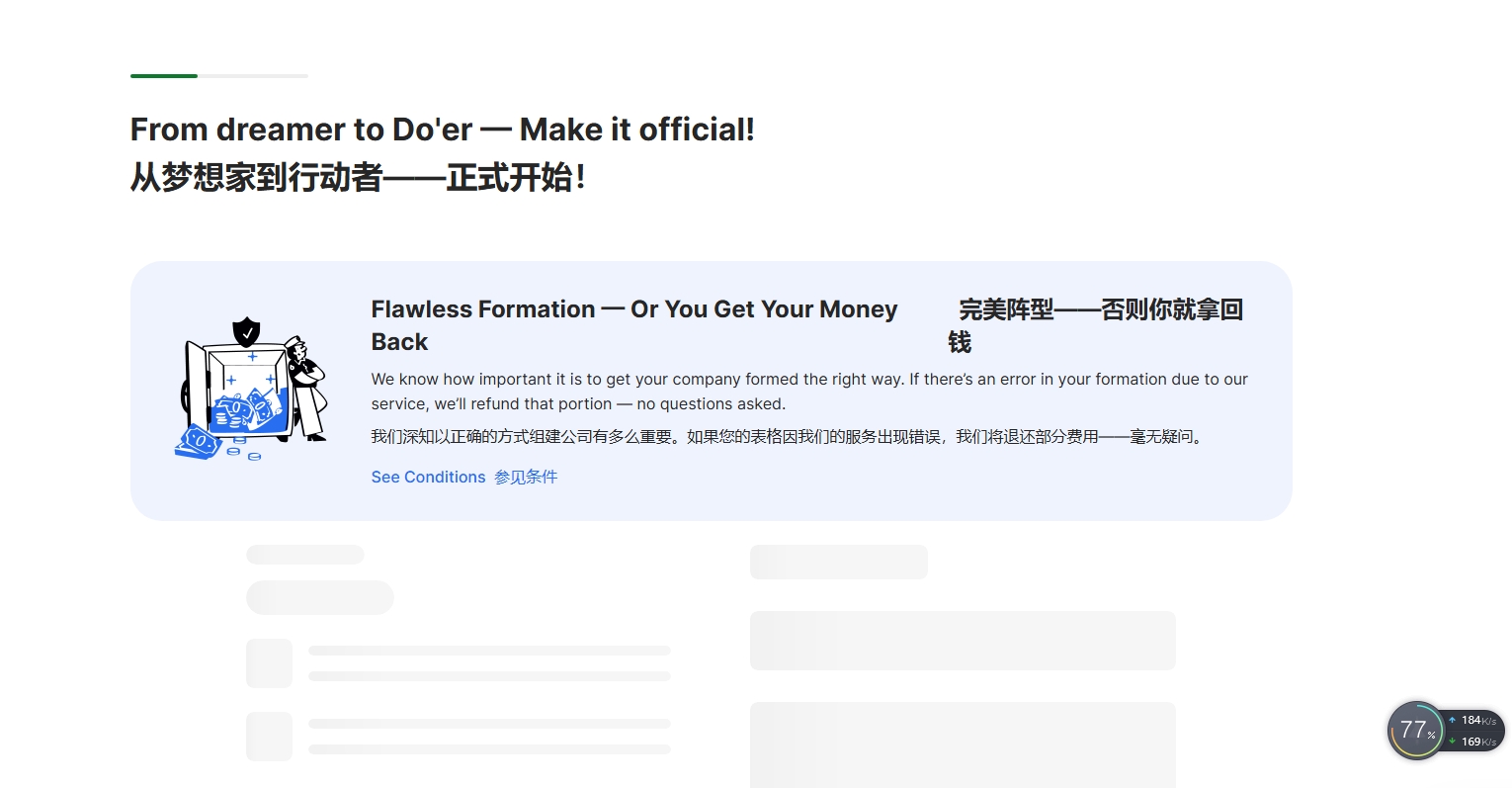
💡 Tips:
- Using a work email appears more professional
- Consider using a password manager to generate and save your password
- Ensure name spelling exactly matches your passport
Step 2: Choose Your Package
2.1 Understand Package Options
Doola offers three packages:
| Package | Price | Best For |
|---|---|---|
| Starter | $297/year | Most solo entrepreneurs (Recommended) |
| Tax and Compliance | $1,999/year | Businesses needing tax filing and bookkeeping tools |
| Business-in-a-Box | $2,999/year billed annually | Businesses needing dedicated bookkeeping support |
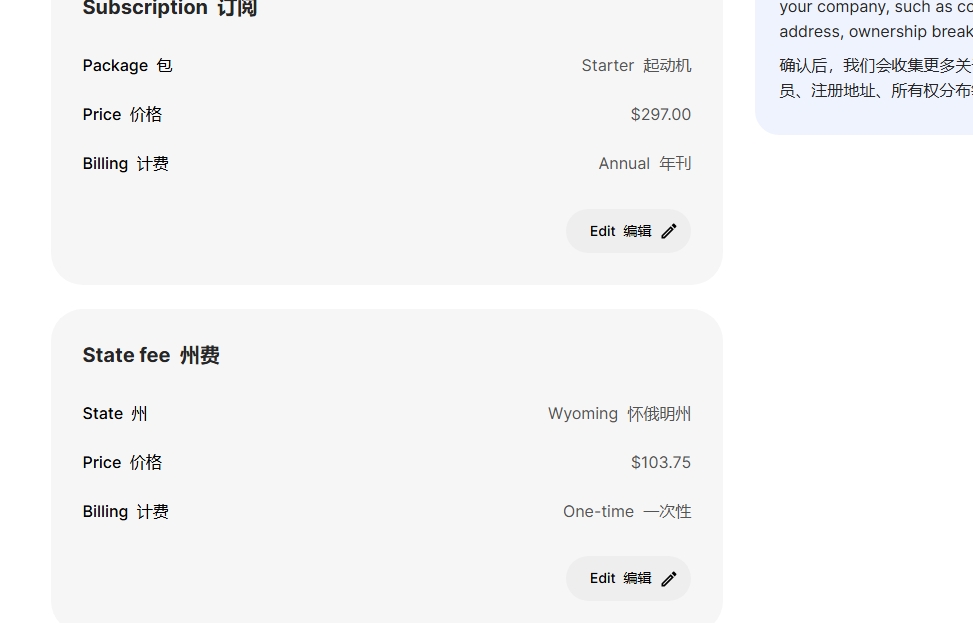
2.2 Select Starter Package (Recommended)
For 75% of international founders, the Starter Package is sufficient and includes:
- ✅ LLC Registration
- ✅ EIN Application
- ✅ Operating Agreement
- ✅ Registered Agent Service (first year)
- ✅ US Business Address
- ✅ Bank Account Assistance
- ✅ 15-minute Free Consultation
Click the "Select Starter" button.
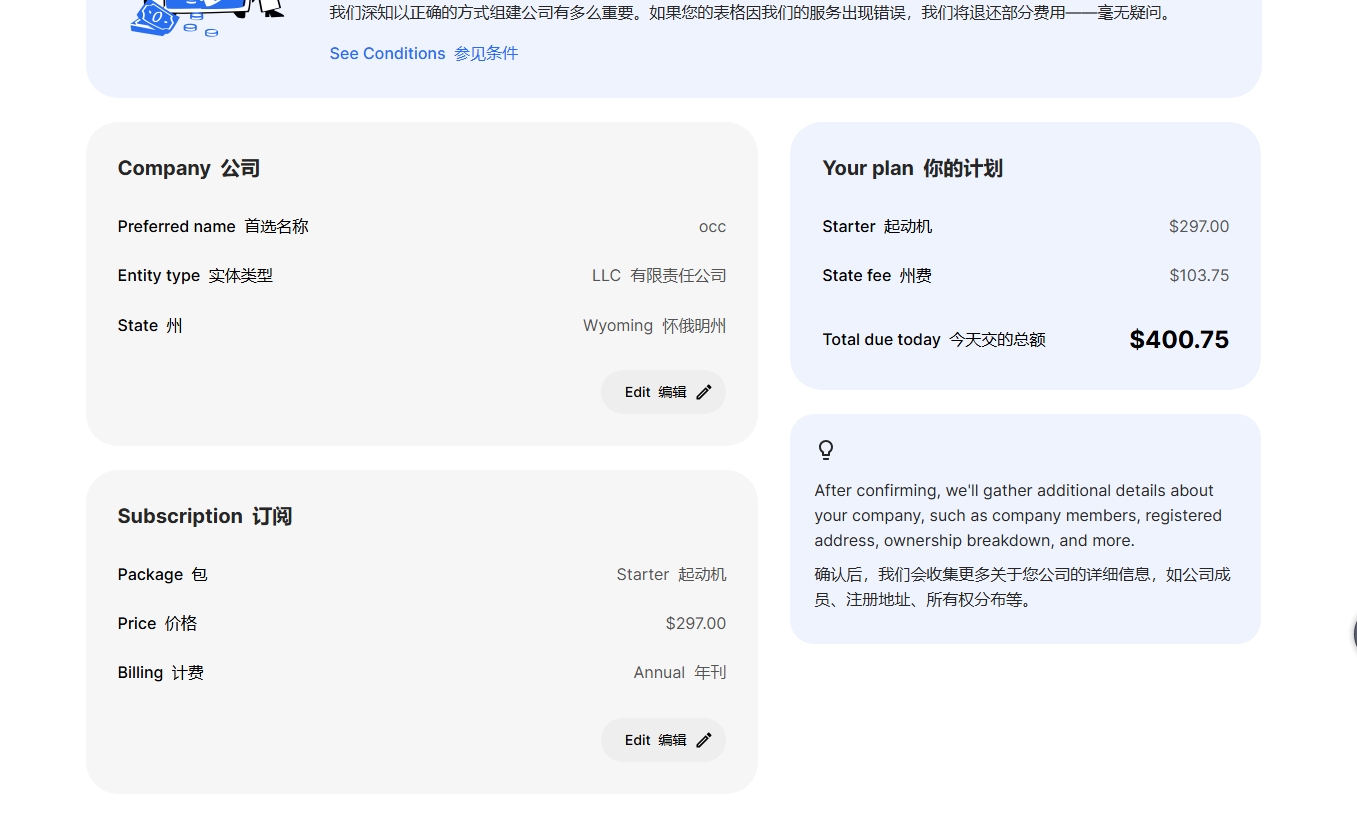
Step 3: Enter Company Information
3.1 Company Name
Enter your desired company name.
Naming Rules:
- Must include "LLC" or "Limited Liability Company"
- Cannot duplicate existing registered companies
- Avoid restricted words like "Bank", "Insurance"
Examples:
- ✅
TechVenture LLC - ✅
Global Solutions Limited Liability Company - ❌
TechVenture(missing LLC) - ❌
ABC Bank LLC(contains restricted word)
💡 Tips:
- Doola checks name availability in real-time
- Prepare 2-3 alternative names
- Shorter, memorable names are better
3.2 Business Description
Clearly describe your business in 1-2 sentences.
Good Examples:
- "We provide AI-powered customer service chatbot SaaS solutions for small businesses."
- "We sell handmade jewelry through e-commerce platforms."
- "We offer digital marketing consulting services to tech startups."
Avoid:
- Too vague: "We do software."
- Too complex: Long paragraphs of technical jargon
3.3 Industry Category
Select the closest industry category from the dropdown menu.
Common options:
- E-commerce
- Software/SaaS
- Consulting
- Digital Marketing
- Content Creation
- Design Services
Step 4: Choose Registration State
4.1 Why Choose Wyoming?
For most international founders, we strongly recommend Wyoming:
- ✅ Lowest annual fee ($60/year)
- ✅ Best privacy protection
- ✅ No state income tax
- ✅ Strongest asset protection
For detailed comparison, see: Complete State Selection Guide
4.2 Select Wyoming
Find "Wyoming" in the state list and click to select.
💡 Tips:
- If you plan to raise funding, consider Delaware
- If unsure, Wyoming is always a safe choice
Step 5: Personal Information Verification
5.1 Upload ID Document
Upload a clear photo of your passport or ID.
Requirements:
- Color scan or photo
- All four corners visible
- Text clearly readable
- File size < 10MB
- Format: JPG, PNG, PDF
💡 Tips:
- Ensure good lighting when taking photos with phone
- Avoid glare and shadows
- Don't use filters
5.2 Upload Proof of Address
Upload a proof of address document from the last 3 months.
Accepted Documents:
- Utility bills
- Bank statements
- Government letters
- Rental contracts
Not Accepted:
- Phone bills (in some cases)
- Credit card statements
- Shipping receipts
5.3 Enter Personal Address
Enter your actual residential address (must match proof of address).
Note:
- This is your personal address, not company address
- Company address will be provided by Doola
- Ensure it exactly matches the uploaded proof of address
Step 6: Apply Discount Code and Payment
6.1 Enter Discount Code
Find the "Promo Code" or "Discount Code" field on the checkout page.
Click: "Apply"
You'll see the price drop from $297 to $267 (save $30).
💡 Important:
- Discount code is case-sensitive
- Make sure you see the price change before continuing
- If discount code doesn't work, contact saraparker@llcclass.com
6.2 Enter Payment Information
Enter your credit or debit card information:
- Card number
- Expiration date
- CVV security code
- Billing address
Supported Card Types:
- ✅ Visa
- ✅ Mastercard
- ✅ American Express
- ✅ Discover
6.3 Confirm and Submit
Carefully review all information:
- ✅ Company name spelled correctly
- ✅ Personal information accurate
- ✅ Discount code applied
- ✅ Payment amount is $267
Once confirmed, click "Complete Purchase" or "Complete Payment".
Step 7: Registration Complete
7.1 Confirmation Email
After successful payment, you'll immediately receive confirmation emails:
- Order confirmation
- Receipt
- Next steps guide
7.2 Doola Dashboard
You can log into the Doola dashboard to check progress:
- Document processing status
- EIN application progress
- Information you need to supplement
7.3 Expected Timeline
- Company Registration: 7-10 business days
- EIN Application: 2-4 weeks
- Document Delivery: 1-2 days after registration completion
Doola will notify you of each stage's progress via email and dashboard.
Frequently Asked Questions
Q1: What if I encounter problems during registration?
A: Doola provides 24/7 customer support:
- 💬 Live chat (bottom right of website)
- 📧 Email: support@doola.com
- 📱 Help center in dashboard
Q2: Can I change information after submission?
A:
- Before payment: Can modify anytime
- After payment but before state submission: Contact support to modify
- After state submission: Requires additional fee to modify
Q3: What if the discount code doesn't work?
A:
1. Check spelling (case-sensitive): LLCCLASS10
2. Ensure it's your first registration (code only for new users)
3. If still invalid, take a screenshot and contact us at llcclass.com
Q4: What if payment fails?
A: Common reasons:
- Insufficient card balance
- International transaction blocked by bank (contact bank to enable)
- Incorrect card information
- Try another card or PayPal
Q5: How long until I can open a bank account after registration?
A:
- Need to wait for EIN (2-4 weeks)
- Can apply for Mercury immediately after getting EIN
- Mercury review usually takes 1-2 weeks
See: Complete Mercury Bank Account Guide
Q6: Can my country/region register?
A: Doola supports 175+ countries, but the following may be restricted:
- US-sanctioned countries
- High-risk regions
Doola will automatically detect and inform you if you're eligible during registration.
Q7: What do I need to do after registration is complete?
A:
- Wait for EIN (2-4 weeks)
- Apply for Mercury bank account
- Set up accounting software (optional)
- Understand tax obligations (use Doola's free consultation)
Next Steps
Congratulations on completing your Doola registration! Here's what's next:
1. Open Mercury Bank Account
After getting your EIN, immediately apply for Mercury to get $250 cashback:
👉 Complete Mercury Account Opening Tutorial
2. Understand Tax Obligations
Use Doola's free 15-minute consultation:
- Understand your tax filing requirements
- Plan tax strategy
- Avoid common mistakes
3. Set Up Business Tools
- Register domain and email
- Set up Stripe/PayPal for payments
- Prepare invoice templates
- Set up accounting software
4. Join llcclass Community
Have questions? Join our community:
- 📧 Subscribe to llcclass email list
- 💬 Join our community discussions
- 📚 Read more LLC operation guides
Need Help?
If you encounter any problems during registration:
- Check Doola Help Center: https://help.doola.com
- Contact Doola Support: support@doola.com
- Visit llcclass Homepage: Return to Complete Guide
- Join Community Discussion: Visit llcclass.com
Good luck with your registration! 🎉
Related Articles: